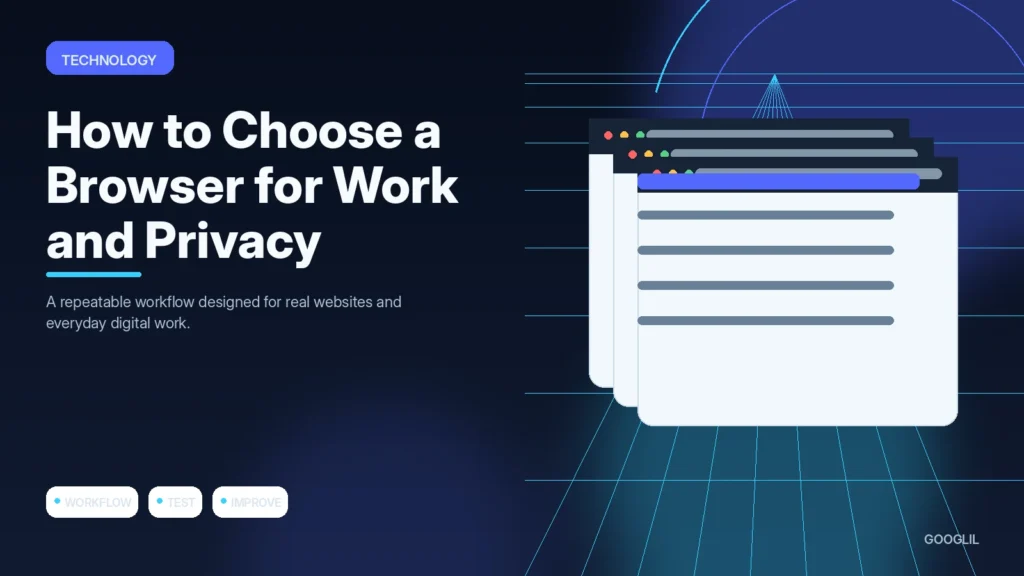
The best browser is the one that supports your work without creating unnecessary privacy, compatibility or extension risk. Compare the whole workflow rather than choosing from one benchmark or privacy slogan.
1. Compare extension support
List the browser extensions that are genuinely required for work and verify they are available, maintained and permission-safe. Fewer trusted extensions are generally easier to manage than rebuilding an entire browser around dozens of add-ons with broad access.
2. Review sync needs
Use the review to compare the current state with the goal, keep what is working and deliberately remove steps or tools that no longer add value.
3. Check privacy controls
Read the data-handling options that affect the real workflow, including retention, training controls, account ownership and administrative access.
4. Test performance on your workflow
Test a real start-to-finish task instead of isolated features. Friction often appears when information must move between capture, editing, collaboration and export.
Test profiles, extensions and sync
Check whether the browser supports the extensions your work genuinely needs, and avoid installing extras just because they are popular. Review sync encryption and account requirements, test profile separation for client or personal contexts, and inspect tracking-protection settings. Measure performance with your actual tab count and web applications.
Run a one-week browser trial
Use the candidate browser for normal work for several days. Record sites that break, extensions you miss, battery or memory problems and how easy it is to separate profiles. The result will be more useful than a synthetic speed test alone.
Practical example
A person who manages client work and personal browsing may benefit from separate browser profiles. Test the browsers you are considering with the extensions, video calls, password manager and web apps you actually use. Then review privacy controls, update cadence, sync behaviour and export options. The best choice is the one that meets your work requirements while giving you controls you understand and will maintain.
Choose a browser by compatibility, controls and maintenance
The best browser depends on what your work requires. Start with compatibility for the web applications you use, then compare update frequency, profile separation, extension support, password and sync options, tracking controls and enterprise policies if relevant. Privacy matters, but a browser that breaks essential workflows may simply push users toward unsafe workarounds.
Test the same real tasks in two or three browsers: video calls, document editing, developer tools, password manager integration, downloads and any specialised admin dashboards. Review default search, telemetry and third-party cookie settings. Keep the extension list small because extensions can access significant browsing data, and prefer separate profiles for work and personal use when that reduces account mixing.
- Use the browser's automatic update mechanism and restart when a security update requires it.
- Check whether sync data is protected in a way that matches your threat model.
- Avoid installing several overlapping privacy extensions that may break sites or each other.
- Keep a second maintained browser available for compatibility testing or recovery.
Choose the browser that stays secure and usable with the least manual maintenance. Recheck the decision when your core applications or browser policies change.
What to avoid when working on choosing a browser for work and privacy
- Choosing on speed alone.
- Installing too many extensions. Simplify to one primary approach first, prove it works, then add complexity only for a clear reason.
- Ignoring profile separation.
Quick checklist for choosing a browser for work and privacy
- Compare extension support.
- Review sync needs.
- Check privacy controls.
- Test performance on your workflow.
Choose a browser by compatibility, controls and maintenance
The best browser depends on what your work requires. Start with compatibility for the web applications you use, then compare update frequency, profile separation, extension support, password and sync options, tracking controls and enterprise policies if relevant. Privacy matters, but a browser that breaks essential workflows may simply push users toward unsafe workarounds.
Test the same real tasks in two or three browsers: video calls, document editing, developer tools, password manager integration, downloads and any specialised admin dashboards. Review default search, telemetry and third-party cookie settings. Keep the extension list small because extensions can access significant browsing data, and prefer separate profiles for work and personal use when that reduces account mixing.
- Use the browser's automatic update mechanism and restart when a security update requires it.
- Check whether sync data is protected in a way that matches your threat model.
- Avoid installing several overlapping privacy extensions that may break sites or each other.
- Keep a second maintained browser available for compatibility testing or recovery.
Choose the browser that stays secure and usable with the least manual maintenance. Recheck the decision when your core applications or browser policies change.
Frequently asked questions
Should I use different browsers for work and personal activity?
It can help separation, but separate browser profiles may be enough if they keep accounts, cookies and extensions distinct.
Are more privacy extensions always better?
No. Extensions add permissions and can conflict. Prefer built-in controls and a small set of trusted extensions.
Can I move later?
Usually. Check bookmark, password and data-export options before committing to a browser-specific workflow.
Keep Learning
Continue with these related guides: