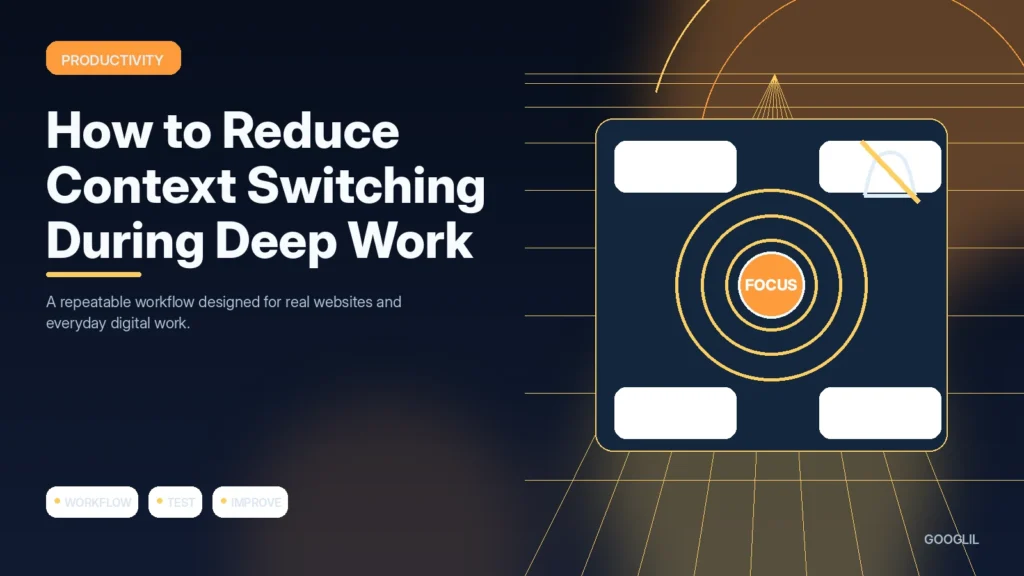
Context switching creates recovery time every time attention moves between unrelated tasks. You cannot remove every interruption, but you can reduce avoidable switches by batching communication and making one work block explicit.
1. Batch communication
Group routine messages into planned windows where possible. This protects longer focus blocks without making the team unreachable.
2. Define one work block
Choose one meaningful task and a realistic block of uninterrupted time for it. Close unrelated tabs and tools, make the next action visible, and decide in advance when you will check communication so attention does not keep renegotiating the plan.
3. Remove unnecessary notifications
Disable alerts that do not require timely action and keep only the signals that genuinely change what you should do next.
4. Capture interruptions for later
Use one dependable place to capture items quickly, then process them later. Splitting capture across many apps increases the chance that commitments disappear.
Design a block that is easy to resume
Choose one outcome for the block, close unrelated applications or tabs, disable non-urgent notifications and set a time to check communication later. Keep a small capture note for interruptions so you do not need to act on them immediately. Leave a short ‘next step’ note when stopping so returning to the task requires less mental reconstruction.
A 60-minute focused work block
Before starting, write the intended output, close inbox and chat, keep only the source material and editor open, and record interruptions in a scratch note. At the end, write the next action before checking messages.
Practical example
During a two-hour deep-work block, mute non-essential notifications and keep one capture note for thoughts that do not belong to the current task. Check email and team chat at planned intervals instead of every few minutes. If an interruption is genuinely urgent, handle it; otherwise record it and return to the same visible next step. This makes resuming work faster after unavoidable context changes.
Protect blocks of work from unnecessary task switching
Context switching increases the mental cost of returning to a difficult task. Reduce it by choosing one clear outcome for a work block, gathering the files and references you need, and closing communication tools that are not required. The aim is not to eliminate every interruption but to stop optional notifications and self-created checking habits from fragmenting focused work.
Batch email, chat and small admin tasks into defined windows when your role allows it. Keep a quick capture note nearby so unrelated ideas can be recorded without opening another app. Before ending a deep-work block, write the next action and current state; this reduces restart time later. Schedule collaboration separately when possible so synchronous work does not repeatedly break individual concentration.
- Turn off nonessential desktop and mobile notifications during planned focus periods.
- Use website or app blockers only for distractions you repeatedly choose despite your plan.
- Set realistic block lengths based on the task instead of copying someone else's productivity timer.
- Protect recovery breaks because fatigue makes distraction and task switching more likely.
Track how often important work blocks are completed and how easily you resume them. The objective is higher-quality progress, not the longest possible time with every app closed.
What to avoid when working on reducing context switching during deep work
- Keeping every app open.
- Checking inbox continuously.
- Scheduling blocks without breaks.
Quick checklist for reducing context switching during deep work
- Batch communication.
- Define one work block.
- Remove unnecessary notifications.
- Capture interruptions for later.
Protect blocks of work from unnecessary task switching
Context switching increases the mental cost of returning to a difficult task. Reduce it by choosing one clear outcome for a work block, gathering the files and references you need, and closing communication tools that are not required. The aim is not to eliminate every interruption but to stop optional notifications and self-created checking habits from fragmenting focused work.
Batch email, chat and small admin tasks into defined windows when your role allows it. Keep a quick capture note nearby so unrelated ideas can be recorded without opening another app. Before ending a deep-work block, write the next action and current state; this reduces restart time later. Schedule collaboration separately when possible so synchronous work does not repeatedly break individual concentration.
- Turn off nonessential desktop and mobile notifications during planned focus periods.
- Use website or app blockers only for distractions you repeatedly choose despite your plan.
- Set realistic block lengths based on the task instead of copying someone else's productivity timer.
- Protect recovery breaks because fatigue makes distraction and task switching more likely.
Track how often important work blocks are completed and how easily you resume them. The objective is higher-quality progress, not the longest possible time with every app closed.
Frequently asked questions
Should I ignore all messages during deep work?
No. Define which channels or people can interrupt for genuinely urgent issues and batch the rest.
How long should a focus block be?
Use a duration you can sustain for the work. The quality of the boundary matters more than a specific timer method.
What if my job requires constant communication?
Create shorter protected windows or rotate coverage with a team so some uninterrupted work is still possible.
Keep Learning
Continue with these related guides: