Better prompts are not about secret phrases. They work because the request makes the goal, context, boundaries and expected output easy to understand. For everyday work, a reusable prompt should also be easy for a human to review rather than producing a polished answer that nobody checks.
1. Define the outcome
Describe what “done” should look like before choosing the method. A measurable outcome makes it easier to reject impressive activity that does not solve the real problem.
2. Give useful context
Include only context that changes the answer: audience, constraints, examples, source material and the current state. More text is not automatically better context.
3. Set constraints and format
State the format, length, tone, prohibited claims and any rules the output must follow. Constraints make evaluation easier because success becomes observable.
4. Review and refine
Use the review to compare the current state with the goal, keep what is working and deliberately remove steps or tools that no longer add value.
A reusable prompt pattern for real work
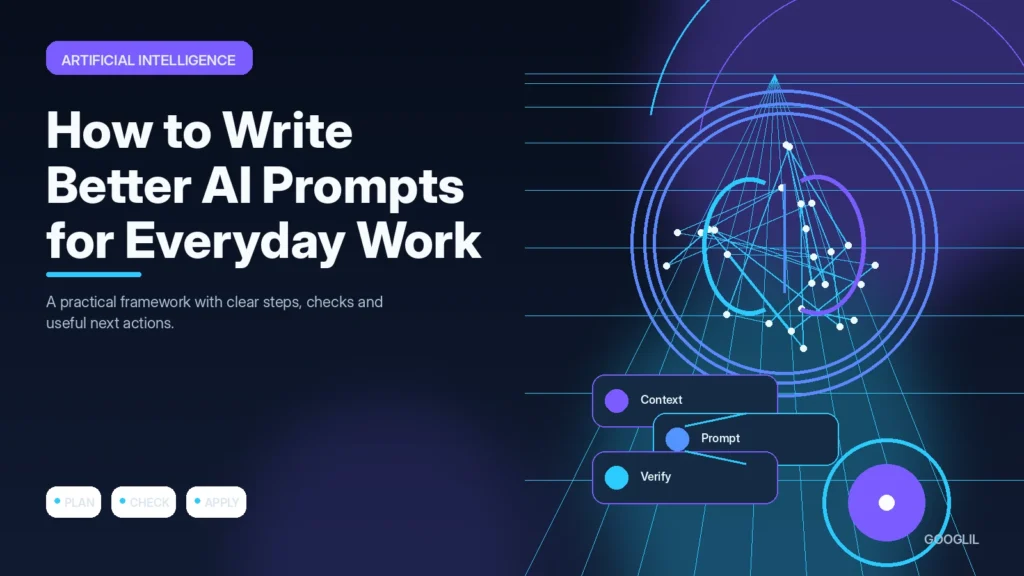
A practical pattern is: role or task, objective, relevant context, constraints, output format and a final verification request. For example, instead of asking an AI tool to ‘write an email’, explain who the recipient is, what decision you need, which facts must be included, the tone to use and what the tool must not invent. Keep source material separate from instructions when possible so it is obvious what came from you and what came from the model.
Example: turn a vague request into a checkable prompt
Vague: ‘Summarise this report.’ Better: ‘Summarise the attached report for a project manager in five bullets. Keep dates and figures exactly as written, flag any uncertainty, and end with three decisions that still need a human owner.’ The second version gives you a format and a way to detect unsupported claims.
Practical example
Suppose you need an AI assistant to turn meeting notes into a client update. A weak prompt such as ‘summarise this’ leaves tone, length and priorities undefined. A stronger version names the audience, asks for three decisions and three action items, limits the update to 180 words, and tells the model to flag anything uncertain instead of inventing details. Compare both outputs against the original notes before sending either one.
Turn vague requests into testable AI instructions
A useful prompt tells the model what job it is doing, who the output is for, what source material it may use and what a successful answer looks like. For everyday work, start with the real task rather than a clever prompt formula. If you need a client update, specify the audience, length, decisions to highlight and whether uncertain details should be flagged instead of guessed.
Keep prompts easy to inspect. Separate source material from instructions, ask for a defined format, and make important constraints visible near the end as well as the beginning. For factual work, tell the model to distinguish supplied facts from suggestions. When the result matters, compare the response against the original source instead of treating fluent wording as proof of accuracy.
- Use a clear role only when it changes the task; avoid decorative personas that add no useful constraint.
- Give one or two representative examples when tone or formatting is difficult to describe reliably.
- For long inputs, state which sections are authoritative and which are background context.
- Save prompts that consistently work, but revise them when the task, tool or source material changes.
Judge a prompt by revision effort and factual reliability, not by how sophisticated it sounds. A shorter prompt that consistently produces usable work is better than a long template that still needs extensive correction.
What to avoid when working on AI prompt clarity
- Vague goals. Replace the vague instruction with a specific audience, outcome and next action that can be checked.
- Sharing sensitive information. Reduce exposure: use safer access methods, remove sensitive data and share only what the task genuinely requires.
- Accepting output without verification.
Quick checklist for AI prompt clarity
- Define the outcome.
- Give useful context.
- Set constraints and format.
- Review and refine.
Turn vague requests into testable AI instructions
A useful prompt tells the model what job it is doing, who the output is for, what source material it may use and what a successful answer looks like. For everyday work, start with the real task rather than a clever prompt formula. If you need a client update, specify the audience, length, decisions to highlight and whether uncertain details should be flagged instead of guessed.
Keep prompts easy to inspect. Separate source material from instructions, ask for a defined format, and make important constraints visible near the end as well as the beginning. For factual work, tell the model to distinguish supplied facts from suggestions. When the result matters, compare the response against the original source instead of treating fluent wording as proof of accuracy.
- Use a clear role only when it changes the task; avoid decorative personas that add no useful constraint.
- Give one or two representative examples when tone or formatting is difficult to describe reliably.
- For long inputs, state which sections are authoritative and which are background context.
- Save prompts that consistently work, but revise them when the task, tool or source material changes.
Judge a prompt by revision effort and factual reliability, not by how sophisticated it sounds. A shorter prompt that consistently produces usable work is better than a long template that still needs extensive correction.
Official references
Frequently asked questions
Should a prompt be very long?
Only when the task genuinely needs the context. Extra instructions can create conflicts, so include information that changes the answer and remove background that does not.
Can I reuse the same prompt every time?
Reuse the structure, but update the context, source material and constraints. A template is useful; stale assumptions are not.
How should I verify AI output?
Check names, dates, calculations, quotations and important factual claims against the original source or an authoritative source before using them.
Keep Learning
Continue with these related guides: