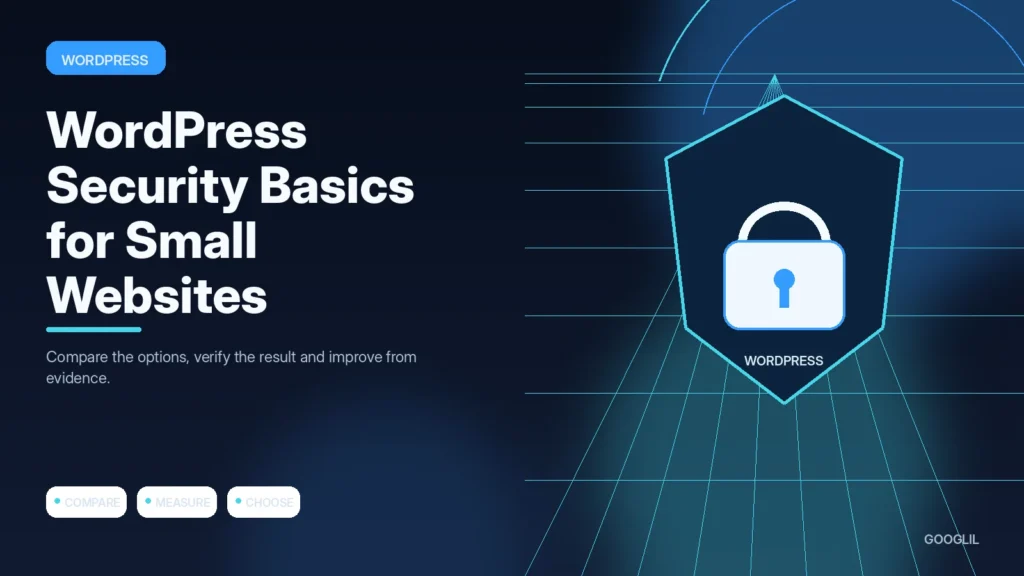
Small WordPress sites are still targets because automated attacks look for weak passwords, vulnerable plugins and abandoned installations at scale. Basic maintenance and account hygiene prevent many common problems.
1. Use strong unique accounts
Give each administrator an individual account with a unique password and multi-factor authentication where available. Remove unused administrators and avoid shared logins so access can be revoked without changing credentials for everyone.
2. Keep core themes and plugins updated
Keep the plugin set intentional. Prefer actively maintained tools with a clear purpose and remove overlapping or abandoned components rather than accumulating alternatives.
3. Limit login exposure
Reduce unnecessary login risk with rate limiting, strong authentication and fewer administrator accounts. Do not rely only on hiding the login URL; protect the hosting and domain accounts as well because compromise there can bypass WordPress controls.
4. Maintain recoverable backups
Create a restorable copy, keep it separate from the thing you are changing, and record enough information to reverse the work if the result is unexpected.
Reduce the attack surface you maintain
Use unique administrator accounts with strong authentication, update WordPress core, themes and plugins, delete unused extensions, avoid nulled software and restrict admin access to people who need it. Maintain backups that are separate from the live server and test recovery. A security plugin can help, but it cannot compensate for an unmaintained site.
Monthly small-site security review
Check available updates, review administrator users, remove unused plugins or themes, confirm the last successful backup and scan for unexpected changes. If the host provides security logs or alerts, review unusual login attempts or file modifications.
Practical example
For a small WordPress site, security starts with boring controls done consistently: keep core, themes and plugins maintained; remove unused code; protect administrator accounts with strong authentication; use HTTPS; and keep restorable backups outside the live server. Review who has administrator access. Three old admin accounts are a bigger practical risk than a long list of exotic hardening tweaks nobody understands.
Protect the accounts and recovery paths attackers target first
Small WordPress sites benefit most from strong fundamentals: supported software, unique administrator passwords, multi-factor authentication, limited administrator access and reliable backups. Security plugins can add useful controls, but they cannot compensate for outdated components or shared credentials. Start by reducing the number of ways an attacker can gain privileged access.
Keep WordPress core, themes and plugins updated, remove components you no longer use, and install extensions only from trusted sources. Protect the hosting account and domain registrar with MFA because compromise there can bypass WordPress entirely. Use HTTPS, monitor login attempts, and keep an off-site backup that can be restored if files or the database are damaged.
- Create separate editor accounts for publishing tasks that do not require administrator rights.
- Review old accounts and API keys after staff or contractors leave.
- Do not expose backup archives inside publicly accessible web directories.
- Use security logs as an investigation aid, not as a replacement for prevention and recovery planning.
Review security after major site changes and periodically test restoration. The strongest small-site setup is one the owner can maintain consistently, not the one with the most installed security tools.
What to avoid when working on WordPress security for small websites
- Using nulled plugins.
- Sharing administrator accounts. Reduce exposure: use safer access methods, remove sensitive data and share only what the task genuinely requires.
- Leaving unused themes active.
Quick checklist for WordPress security for small websites
- Use strong unique accounts.
- Keep core themes and plugins updated.
- Limit login exposure.
- Maintain recoverable backups.
Verification resources
For current implementation details, check the relevant official documentation:
Protect the accounts and recovery paths attackers target first
Small WordPress sites benefit most from strong fundamentals: supported software, unique administrator passwords, multi-factor authentication, limited administrator access and reliable backups. Security plugins can add useful controls, but they cannot compensate for outdated components or shared credentials. Start by reducing the number of ways an attacker can gain privileged access.
Keep WordPress core, themes and plugins updated, remove components you no longer use, and install extensions only from trusted sources. Protect the hosting account and domain registrar with MFA because compromise there can bypass WordPress entirely. Use HTTPS, monitor login attempts, and keep an off-site backup that can be restored if files or the database are damaged.
- Create separate editor accounts for publishing tasks that do not require administrator rights.
- Review old accounts and API keys after staff or contractors leave.
- Do not expose backup archives inside publicly accessible web directories.
- Use security logs as an investigation aid, not as a replacement for prevention and recovery planning.
Review security after major site changes and periodically test restoration. The strongest small-site setup is one the owner can maintain consistently, not the one with the most installed security tools.
Frequently asked questions
Does changing the login URL secure WordPress?
It may reduce noise, but it is not a substitute for patched software, strong accounts and appropriate access controls.
Should I disable the WordPress editor?
It can reduce one path for code changes, but use it as one layer rather than the main security control.
What is the most important recovery step?
Have a clean, recent backup and know how to restore it before an incident occurs.
Keep Learning
Continue with these related guides: